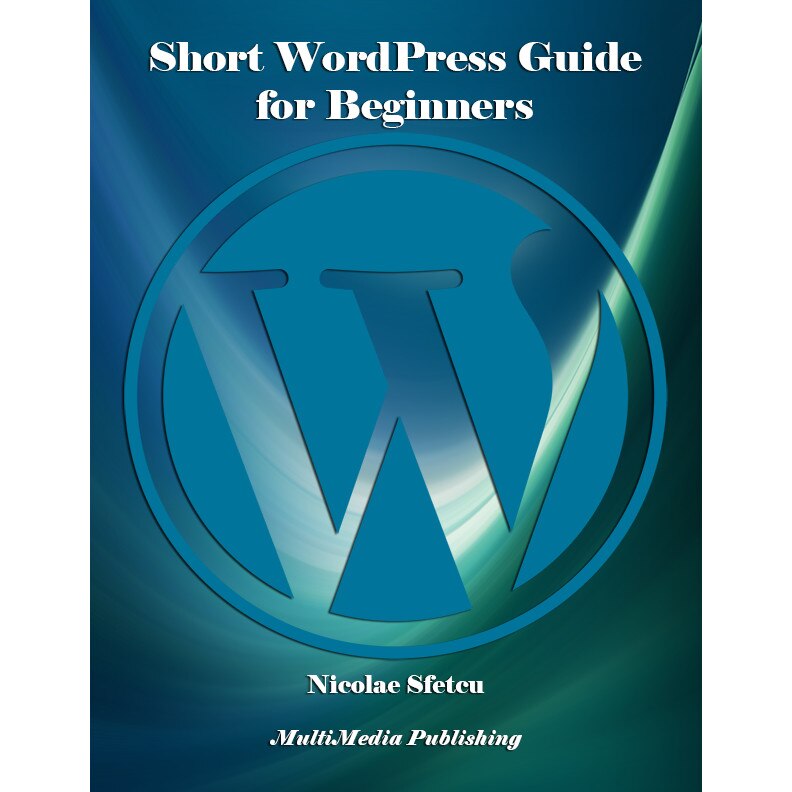
Discover the Ultimate Guide to WordPress for Beginners!
Why This Guide?
Unlock the power of WordPress with this concise and practical guide, crafted for beginners. Whether you’re starting a blog, creating a website for your business, or exploring web development, Short WordPress Guide for Beginners simplifies the process and equips you with the tools to succeed.
What’s Inside?
Understanding WordPress Basics: Learn what WordPress is and why it’s the most popular CMS in the world.
Step-by-Step Installation: From web hosting to configuring WordPress, we’ve got you covered with clear instructions.
Themes & Plugins: Customize your website’s look and functionality with ease.
Content Creation & Management: Master posts, pages, and media to craft engaging websites.
Advanced Tips: Explore troubleshooting, updates, and transferring your WordPress site.
Bonus Features: Learn about SEO optimization, managing comments, and much more!
Who Is It For?
Aspiring Bloggers
Small Business Owners
Students and Educators
Web Development Beginners
If you’re ready to build your online presence without feeling overwhelmed, this guide is your perfect companion.
Features of the Guide
Easy to Follow: Designed for those with no prior experience.
Comprehensive: Covers everything from installation to advanced features.
Practical Tips: Real-world advice for creating professional websites.
About the Author
Nicolae Sfetcu is a renowned writer and digital publishing expert. His practical insights make learning WordPress enjoyable and straightforward.
Take the first step in creating your dream website. Start with Short WordPress Guide for Beginners.
Get Your Copy Today!
WordPress is a publishing software whose main qualities are simplicity, speed and ease of use. WordPress is favored by an active community, real core of free software. WordPress is a powerful personal publishing platform with many features designed to make publishing your Internet experience as simple, pleasant and enjoyable as possible. It offers a freely distributable publishing platform, standards compliant, fast, light and free with parameters and features and a thoughtful extraordinarily adaptable core.WordPress is a blogging software that has all the usual features of this type of software. It allows multiple authors to publish posts, which are ordered by date and by category. Multiple categories can be assigned to a given post. WordPress is popular mainly with users around free software and with knowledge of software programming. The public interface is customizable through templates files, and plugins can be developed. The WordPress community is very active and has a growing number of resources such as ready-made themes, documentation and translation software. CONTENTS: About WordPress - WordPress features - - WordPress themes - License and Technical Environment - WordPress.com - WordPress Features - - Technical License and Environment - - Managing and administering the weblog WordPress installation - Before installing WordPress… - - Do you have the necessary tools? - How to start working - - Read - - Make a plan - - Install WordPress - - Hosting - Web hosting - New or existing database - Installing WordPress - - What to know before you start - - Installation in 5 minutes - - Detailed instructions - Install WordPress Themes - - A WordPress theme, what is it? - - Free or paid WordPress theme? - - Installing a free WordPress theme - - - Search criteria - - - Theme Preview - - - Installation - - Install a paid WordPress theme - - - Install by the administration interface - - - Install using FTP - - - Activate the theme - Install the favicon - - How to create a favicon - - Install the favicon on a WordPress blog - Updating WordPress - - Check prerequisites system - - Make a backup - - Disable extensions - - Ready to make the update! - - Automatic update - - Manual update - - - Replace WordPress files - - - Install your update - - - Take a break! - - Final phase - - Troubleshooting - Moving WordPress to a new location - - Save your data - - - Recovering the WordPress files - - - Collect WordPress data - - Transferring data - - Small adjustments - - - Changed database - - - Domain not changed - - - Changed domain Working with WordPress - Getting Started with WordPress - - What next? - WordPress content - - Posts - - Pages - Working with WordPress - - Publish your posts - - Archives and Research - - Discussion and comments - - Creating and Managing a Blogroll - - Publish your work - - Customizable design - Screen Options - - Excerpt - - Send Trackbacks - - Custom Fields - - Slug - - Discussion - - Comments - - Author - Installing Plugins - - Information to know before installing - Post formats - Use of custom fields - - Use References About the author - Nicolae Sfetcu - By the same author - Contact Publishing House - MultiMedia Publishing
eMAG.ro face eforturi permanente pentru a păstra acurateţea informaţiilor din acestă pagină. Rareori acestea pot conţine inadvertenţe: fotografia are caracter informativ şi poate conţine accesorii neincluse în pachetele standard, unele specificaţii pot fi modificate de catre producător fără preaviz sau pot conţine erori de operare. Toate promoţiile prezente în site sunt valabile în limita stocului.
In conformitate cu prevederile OUG 140/2021, produsele beneficiaza de garantie legala de conformitate de 24 de luni, cu exceptia continutului digital sau al serviciilor digitale, in cazul carora garantia legala de conformitate este de 60 de luni, potrivit OUG 141/2021. Prevederile anterior mentionate nu sunt aplicabile in cazul produselor alimentare.